Get the m333 bd App on Your Android Phone — Free, Fast, Always On
Version 3.1.15 is live. Install the APK in under two minutes, top up with bKash or Nagad, and jump straight into live matches, slots, and fishing games — all from one 41 MB app.
Android 6.0+ required · 18+ only · Play Responsibly
- SSL Encrypted APK
- Android 6.0+
- bKash & Nagad
- 24/7 Live Chat
- 18+ Responsible Gaming
m333 bd App — Version Details
| Version | 3.1.15 |
| File Size | 41 MB |
| Minimum Android | Android 6.0 (Marshmallow) |
| Last Updated | 15 November 2026 |
| Price | Free |
| Language | English / Bangla |
| File Name | m333bd.apk |
m333bd.apk · 41 MB · Free
iPhone Users: Add to Home Screen
m333 bd does not have an iOS App Store listing. Safari's "Add to Home Screen" gives you a shortcut that works like an app — no install required.
- Open m333bd.com in Safari on your iPhone or iPad.
- Tap the Share icon (box with an upward arrow) at the bottom of the screen.
- Scroll down and tap "Add to Home Screen".
- Name the shortcut m333 bd and tap Add.
- The icon appears on your home screen. Tap it to go directly to the site — no typing the URL each time.
Games Available Inside the App


All 5,800 games load directly in the app. Browse the full Casino lobby →
How to Install the m333 bd APK on Android
Android 6.0 or higher is required. The whole process takes about two minutes on a standard mobile data connection.
-
01Allow Unknown Sources
Go to Settings → Security (or Privacy on newer phones) and turn on "Install unknown apps" for your browser. This tells Android it is safe to install APK files you downloaded yourself — not just Play Store apps.
-
02Download the APK
Tap the "Download APK Free" button on this page. Your browser saves
m333bd.apk(41 MB) to your Downloads folder. Wait for the progress bar to complete before continuing. -
03Open the APK File
Pull down the notification shade and tap the downloaded file, or open your Files / My Files app and navigate to Downloads. Tap m333bd.apk to start the installer.
-
04Confirm Installation
The Android installer shows the app name and permissions. Tap Install. It takes about 10–15 seconds. When you see "App installed", tap Open.
-
05Log In or Register
If you already have an account, tap Log In and enter your phone number and password. New player? Tap Register — the whole sign-up takes under three minutes. Need help? Log in here or create your account.
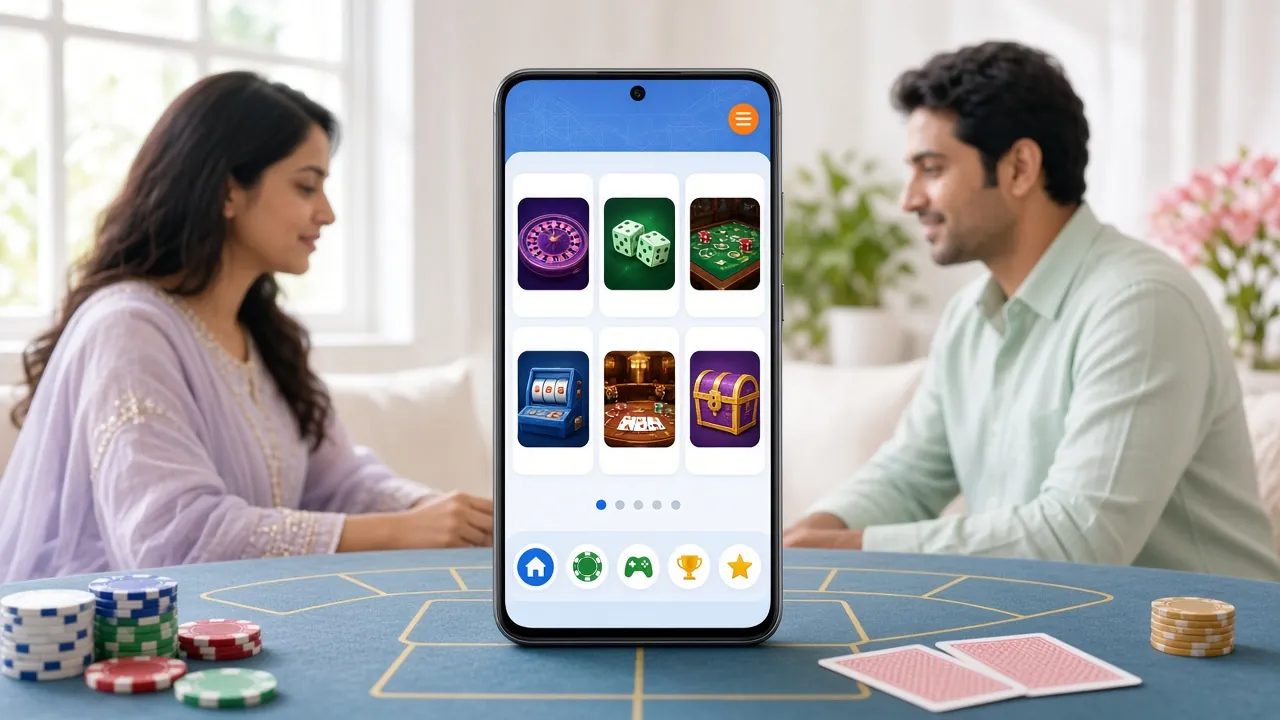
Everything You Get with the App
-
One-Tap Login
Stay signed in between sessions. The app remembers your credentials so you are back at the lobby in seconds — useful during live IPL or BPL innings breaks when every minute counts.
-
Deposit & Withdraw via bKash, Nagad, Rocket, Upay
All five payment methods are available inside the app. Deposits clear in about 4 minutes; withdrawals typically process within 16 minutes. Minimum deposit is ৳400.
-
Live Casino & Sports in One Place
Switch between live dealer tables (Ezugi, Spribe) and pre-match or in-play football and cricket markets without logging out or switching browser tabs.
-
Push Notifications for Odds Changes
Enable notifications to get alerts when a match goes live, when bonus offers are added, or when your withdrawal is approved — no need to keep the app open.
-
24/7 Live Chat Built In
Tap the chat icon from any screen to reach the support team. Available around the clock, so a question about a pending deposit does not have to wait until morning.
-
Auto-Update Notifications
When a new version is released, the app shows a banner with a direct download link. You can update in the background and restart when you are ready — no data loss.
App or Mobile Website — Which Suits You Better?
Both let you play everything on m333 bd. The difference comes down to speed, notifications, and how you like to work. See the full breakdown on our App vs Website guide.
| Feature | m333 bd App | Mobile Browser |
|---|---|---|
| Page load speed | Faster — assets cached locally | Depends on connection speed |
| Push notifications | Yes — odds, bonuses, withdrawals | Not supported on most Android browsers |
| Mobile data usage | Lower — images cached after first load | Higher — full page reload each visit |
| Installation needed | One-time 41 MB APK download | No install — just open the browser |
| Stay logged in | Persistent login between sessions | Depends on browser cookie settings |
| Works on iOS | Add to Home Screen shortcut only | Full site via Safari or Chrome |
| Best for | Daily users who want speed and notifications | Occasional visitors or iPhone users |
Using m333 bd on a Budget Phone or Slow Connection
Not everyone has a flagship phone or a 4G SIM all the time. The m333 bd App is designed to run smoothly on Android phones with limited RAM and on 2G or 3G networks.
Close other apps before launching m333 bd. Avoid switching between the app and a heavy browser at the same time. The app itself uses well under 200 MB of RAM during normal play.
Slots and fishing games load faster than live video streams on slow connections. If a live casino table buffers, switch to a PG Soft slot — it uses a fraction of the data.
Turn off auto-play animations in the app settings if you see this option. Connect to Wi-Fi when making deposits or withdrawals — payment screens are lightweight but security matters on shared networks.
Lower your screen brightness and turn off Bluetooth while playing. The app does not run background processes when minimised, so it will not drain your battery between visits.
The APK needs at least 80 MB of free storage to install and run (41 MB for the file + working space). Delete old apps or photos if your phone shows "not enough space" during install.
Each update includes performance improvements. Version 3.1.15 (November 2026) reduced load time on Android 6 devices by approximately 20% compared to the previous release.
Fix Common Install Problems in Minutes
Most installation errors have a simple fix. Check the table below before contacting support.
| Problem | Likely Cause | Fix |
|---|---|---|
| "Install blocked" message | Unknown sources not enabled for your browser | Go to Settings → Security → Install unknown apps, select your browser, and toggle it on. Then tap the APK file again. |
| "Parse error" or "App not installed" | The APK downloaded incompletely or file is corrupted | Delete the partial file from Downloads, reconnect to a stable network or Wi-Fi, and download m333bd.apk again from this page. |
| "Not enough storage" | Less than 80 MB free on the phone | Go to Settings → Storage and delete unused apps, old photos, or cached data. Free at least 100 MB to be safe, then retry. |
| App installs but won't open | Android version below 6.0, or RAM critically low | Check your Android version in Settings → About phone. If it is below 6.0, use the mobile website instead. Otherwise, force-close other apps and retry. |
| Login screen not loading after install | No internet connection when the app first launches | Make sure mobile data or Wi-Fi is active. Open the app while connected, sign in once, and the app will cache your session for faster loads next time. |
Still stuck? The 24/7 live chat inside the app — or on the website — can walk you through any error message in real time.
Questions Players Ask About the App
Is the m333 bd APK safe to download?
How do I update the m333 bd App to the latest version?
What Android version does the app need?
Can I use bKash and Nagad to deposit inside the app?
Does the app work on iOS or iPhone?
What should I do if I forget my password after installing the app?
Ready to Install? Download Free Now
41 MB. Android 6.0+. Version 3.1.15. No Play Store needed — just tap the button, follow five steps, and you are in.
18+ · Play Responsibly · bKash · Nagad · 24/7 Support