m333 bd Deposit Guide: Get Your Money In Fast
Read this guide once and you will know exactly which payment method to pick, how many steps it takes, and what to do if something goes wrong. All deposits at m333 bd are processed in under 4 minutes — minimum ৳400, no fees from our side.
Every Way to Fund Your m333 bd Account
Five methods are available. All of them credit instantly to your gaming balance — there is no manual review step for standard deposits. Pick the one you already use day to day.
-
bKash
-
Nagad
-
Rocket
-
Upay
-
Bank Transfer
Deposit with bKash — Step by Step
bKash
- Log in to your m333 bd account, then go to Deposit in the main menu.
- Select bKash as your payment method.
- Enter the deposit amount (minimum ৳400). The system shows the target bKash number.
- Open your bKash app, tap Send Money, and enter the number shown on screen.
- Type the exact amount. In the Reference field, enter your m333 bd User ID.
- Enter your bKash PIN and confirm. Note down the TrxID.
- Return to m333 bd, enter the TrxID in the confirmation field, then tap Submit.
- Your balance updates within 4 minutes. If it does not, contact 24/7 Live Chat with your TrxID.
Deposit with Nagad
Nagad
- Log in to m333 bd and open the Deposit page.
- Choose Nagad from the method list.
- Enter your deposit amount and copy the recipient Nagad number displayed.
- Open your Nagad app, tap Send Money, paste the number.
- Enter the amount and your m333 bd User ID in the reference field.
- Confirm with your Nagad PIN. Save the TrxID from the confirmation screen.
- Back on the m333 bd deposit page, submit the TrxID to complete.
- Balance credited in ~4 minutes. Contact Live Chat if delayed beyond that.
Deposit with Rocket
Rocket (DBBL)
- From the m333 bd Deposit menu, select Rocket.
- Note the Rocket account number shown and the amount you want to send.
- Open the Rocket app (or dial *322#) and choose Send Money.
- Enter the account number, the amount, and your m333 bd User ID as reference.
- Approve with your Rocket PIN. Write down the TrxID.
- Submit the TrxID on the m333 bd deposit page. Done.
Upay and Bank Transfer
Upay
- Select Upay in the m333 bd Deposit menu.
- Copy the Upay number shown; open the Upay app and tap Send Money.
- Enter amount + your User ID as reference. Confirm PIN, note TrxID.
- Submit TrxID on m333 bd to finalise.
Bank Transfer
- Select Bank Transfer; copy the account details shown.
- Log in to your bank's app and initiate a BEFTN / NPSB transfer.
- Use your m333 bd User ID in the payment reference.
- Upload the transfer receipt on the deposit page and submit.
Why Deposits Sometimes Fail
Most failed deposits share a handful of causes. Check this list before contacting support — you can often fix it yourself in under a minute.
-
Wrong recipient number The number shown on the deposit page changes periodically. Always copy it fresh from the site — do not reuse a number from a previous session.
-
Amount below the minimum Sending less than ৳400 means the deposit will not register. Round up to at least ৳400.
-
TrxID not submitted The transfer alone is not enough. You must come back to the deposit page and submit the TrxID to link your payment to your account.
-
Wrong reference / User ID If the reference field has a typo, the system cannot match the payment automatically. Contact Live Chat with your TrxID and the correct User ID.
-
Daily mobile wallet limit reached bKash, Nagad and Rocket each have their own daily send limits set by the app. If you have hit that limit, switch to a different method or try again after midnight.
-
Network timeout Slow connections sometimes leave a transaction in a pending state. Wait 10 minutes; if balance has not updated, share your TrxID with Live Chat for a manual check.
Deposit and Withdrawal Limits at a Glance
These are the platform-level limits for all accounts. VIP tiers raise your personal daily withdrawal ceiling — the full breakdown is in the table below.
| VIP Tier | Monthly Turnover | Daily Withdrawal Limit | Daily Cashback | Personal Manager |
|---|---|---|---|---|
| Copper | Starting tier | ৳1,60,000 | 0.6% | |
| Silver | ৳20,000 | ৳3,00,000 | 0.8% | |
| Gold | ৳94,000 | ৳5,50,000 | 1.0% | |
| Platinum | ৳4,40,000 | ৳10,00,000 | 1.2% | |
| Titanium | ৳21,00,000 | ৳19,00,000 | 1.4% | |
| Royal | ৳98,00,000 | ৳34,00,000 | 1.6% |
First-time withdrawals are reviewed within 1 hour. Subsequent withdrawals clear in approximately 16 minutes. See the withdrawal guide for the full process.
Protect Your Mobile Wallet When Depositing
Fraud targeting mobile-wallet users is common in Bangladesh. These four rules keep your bKash, Nagad and Rocket accounts safe every time you deposit.
Never share your PIN or OTP
m333 bd will never ask for your wallet PIN, OTP or password — not via chat, phone or SMS. Anyone who does is an impostor. Hang up or block immediately.
Send only to numbers shown on-site
Copy the recipient number directly from the m333 bd deposit page at the moment of transfer. Never reuse a number saved from a previous session — these change regularly for security.
Screenshot every transaction
Take a screenshot of the confirmation screen showing the TrxID, amount, and recipient number. If a deposit does not credit, this screenshot plus your TrxID is what Live Chat needs to resolve it fast.
Watch out for fake customer service calls
Scammers sometimes call or send SMS pretending to be bKash or m333 bd support, claiming your deposit is "stuck" and asking you to send money again. All genuine support happens inside the site via 24/7 Live Chat — never by outbound call or SMS from an unknown number.
From ৳1,000 Deposit to Your First Withdrawal
Here is a worked example using the minimum sensible round amount — ৳1,000 — so you can see exactly how the numbers flow. All figures are from the site's published terms.
-
1
Register & Log In
Create your free account at m333 bd (takes about 2 minutes). No deposit required just to register.
-
2
Deposit ৳1,000 via bKash
Follow the bKash steps above. Your gaming balance shows the deposit in roughly 4 minutes.
Balance: ৳1,000 -
3
Claim the Welcome Bonus
The first-deposit bonus matches 100% of your deposit, up to ৳23,000. On ৳1,000 you receive ৳1,000 bonus credited immediately.
Total: ৳2,000 (৳1,000 real + ৳1,000 bonus) -
4
Complete the Wagering Requirement
The bonus carries a 14× wagering requirement applied to the bonus amount: ৳1,000 × 14 = ৳14,000 total turnover needed. Play slots, fishing games or live casino — every real-money bet counts. At a typical pace of ৳200 per round, this takes around 70 rounds.
Wagering target: ৳14,000 -
5
Request a Withdrawal
Once wagering is done, go to Withdraw, choose bKash or Nagad, and enter your amount. Minimum withdrawal is ৳1,000. For a first-time withdrawal, allow up to 1 hour for the review; after that, payouts process in approximately 16 minutes.
Minimum withdrawal: ৳1,000
Example only. Actual outcomes depend on game results, session length and RTP. Wagering requirement applies to the bonus amount. The 0.6% daily cashback on turnover also applies to Copper-tier players, adding a small credit back each day you play.
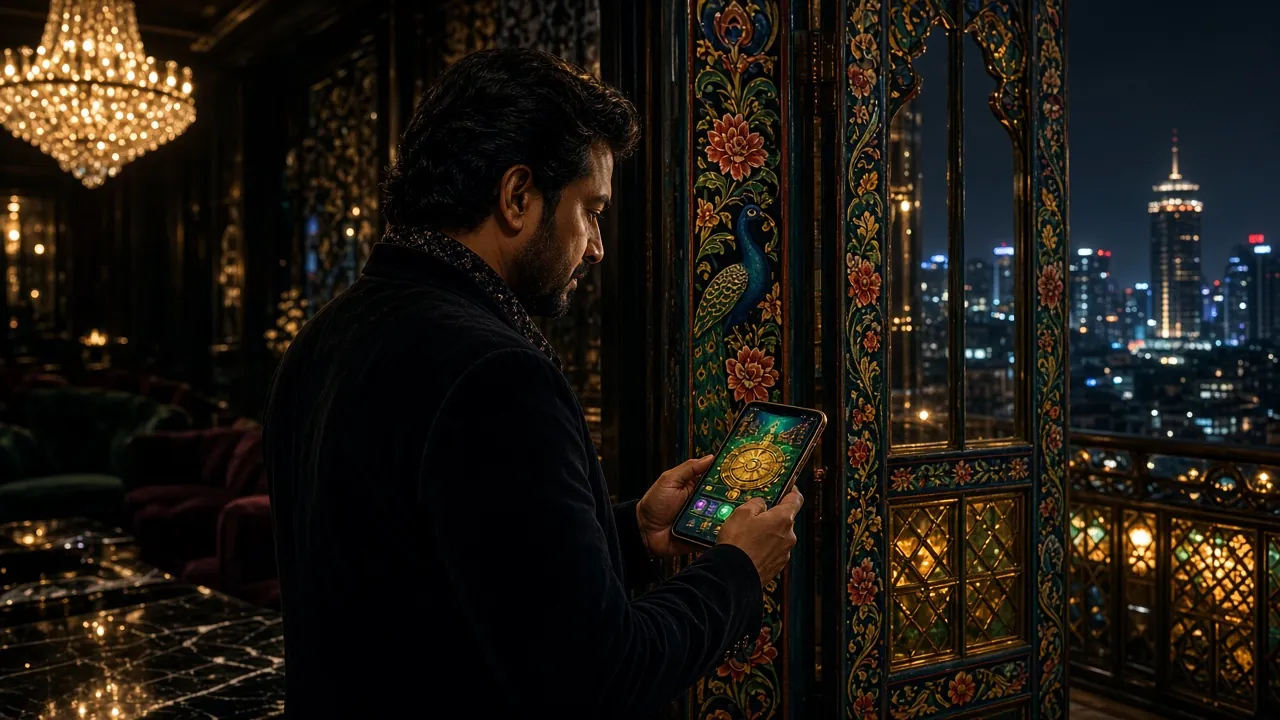
Fund a Fresh Account in Four Moves
If you have never put money into a gaming account before, the order of events matters more than the method you choose. Here is the full path, from an empty phone screen to a balance you can play with.
-
01
Open your account first
Sign up with your own Bangladeshi mobile number and type the code we text you. The Deposit button only appears once that step is done.
-
02
Choose the wallet you already use
Tap Deposit in the main menu, pick bKash, Nagad, Rocket, Upay or bank transfer, and enter any amount from ৳400 upward.
-
03
Send from an account in your own name
Pay the exact amount to the number shown on screen and put your m333 bd User ID in the Reference field so the payment can be matched to you.
-
04
Paste the TrxID and confirm the credit
Copy the transaction ID from your wallet SMS into the confirmation box and submit. The balance usually lands in about 4 minutes; if it does not, hand that same ID to 24/7 Live Chat.
No account yet? Register with your mobile number and the deposit panel opens straight after your first login.
Deposit Questions Players Ask Most
What is the minimum deposit at m333 bd?
How long does a bKash deposit take to show up in my account?
Does m333 bd charge any fees on deposits?
I sent the money but forgot to submit the TrxID. What do I do?
Can I deposit via Nagad from the m333 bd mobile app?
Does the first-deposit bonus apply to all payment methods?
Ready to Make Your First Deposit?
Open a free m333 bd account in 2 minutes, then fund it with bKash or Nagad to claim your welcome bonus.
- SSL Encrypted
- 18+ Only
- 24/7 Live Chat
- bKash
- Nagad
- Rocket
- Play Responsibly